
Color
Descripción
Step
Description
Determine Model
For scopes with 1/4" click adjustments (e.g., Vari XIII), follow Step A and Step B.
For scopes with 1/2" friction adjustments (e.g., Vari XII), follow Step B.
Step A (Vari XIII - 1/4" Click Adjustments)
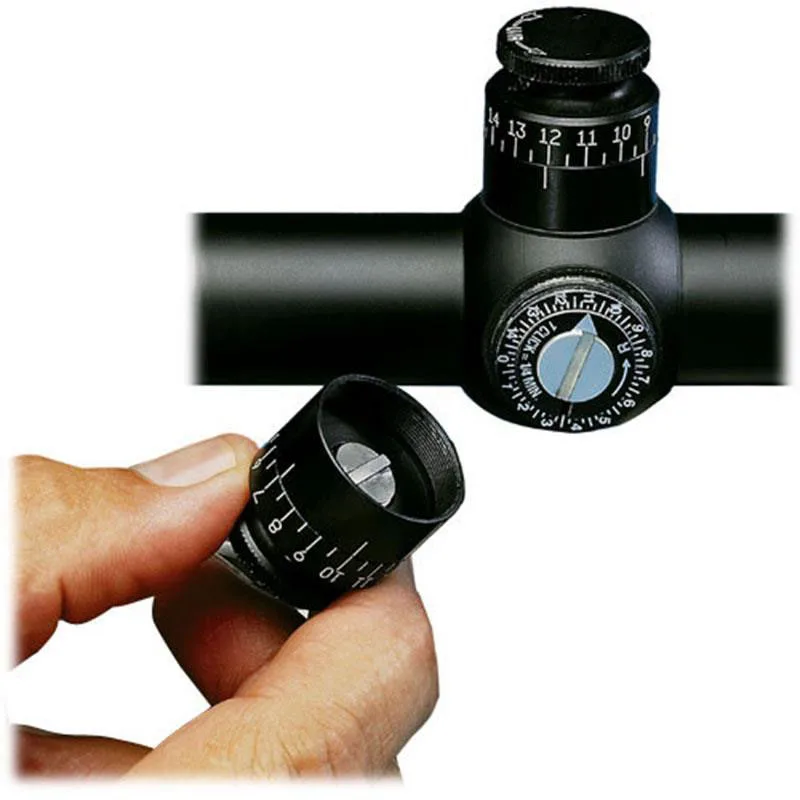
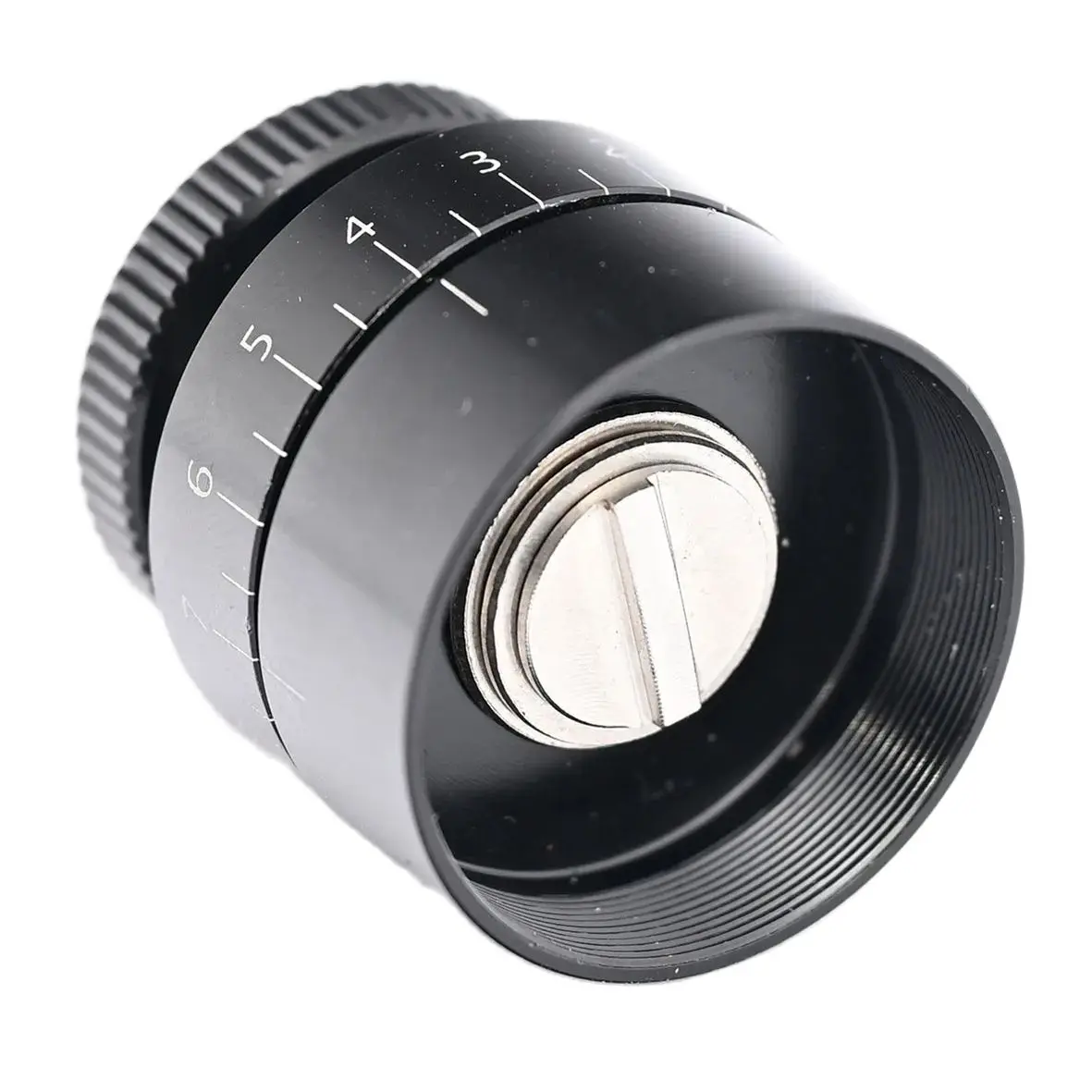
1. Loosen the two #6-32 set screws on the knob and separate the stainless steel spindle assembly from the knob halves.
2. Remove the provided spacer, but leave the curved disc spring and shim on the spindle (see illustration above).
3. Replace the spindle into the knob halves and tighten the set screws without compressing the disc spring.
4. Save the spacer for installation on other scope models.
5. Proceed to Step B.
Step B (Vari XII - 1/2" Friction Adjustments)
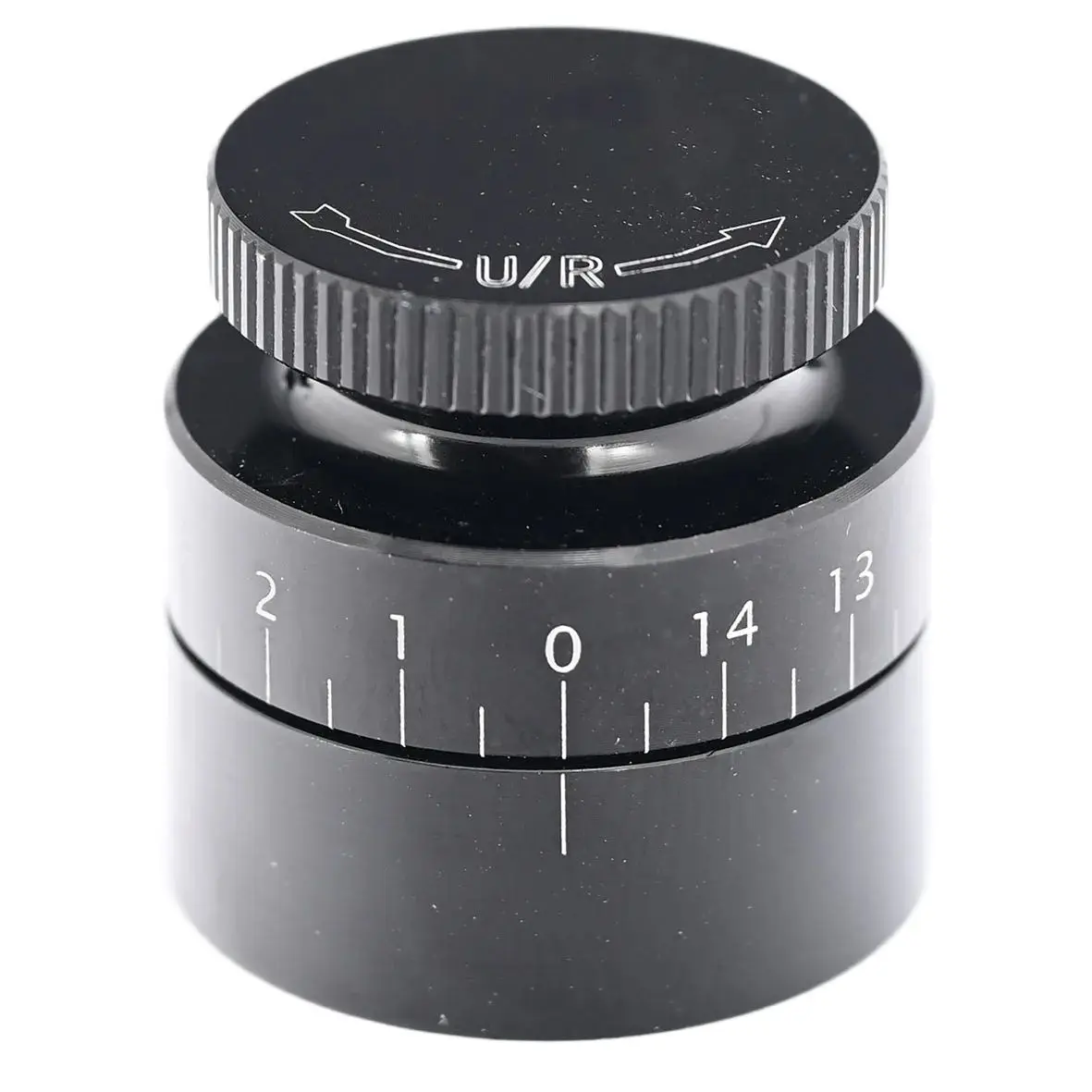
1. Remove the dust cover(s) from your scope and thread the Target Knob onto the scope by grasping the knob's lower half.
2. Take care not to cross-thread while starting the knob.
3. After a few turns, the spindle, which is coupled to the upper half, will engage the scope’s coin slot.
4. Continue threading the knob (by grasping the lower half) until the knob's lower half contacts the scope's rubber washer.
5. Gently snug up the knob until one of the five graduation marks directly faces the shooter.
6. Loosen the set screws on the upper half and align the "0" with the graduation mark (as illustrated).
7. Retighten the set screws.
8. Adjust the scope by rotating the Target Knob as per the scope manufacturer’s instructions.
9. Reset the Target Knob to "0" after sighting in.
Opiniones de clientes
3 opinionesAún no los he utilizado, pero no veo ningún problema.
👍
El producto no tiene el diámetro correcto para mis gafas de tiro.