
Descripción
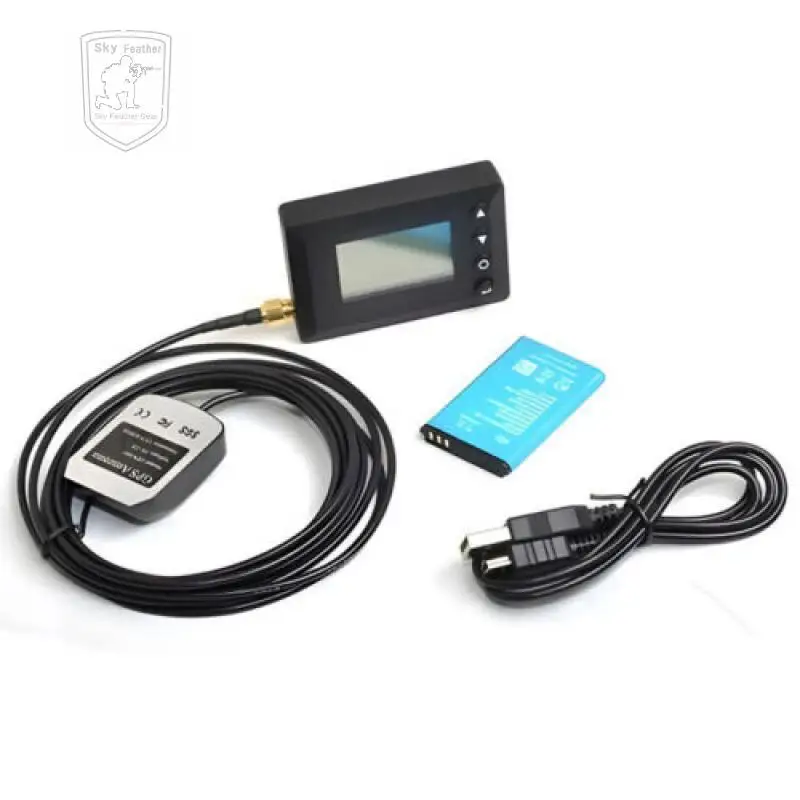
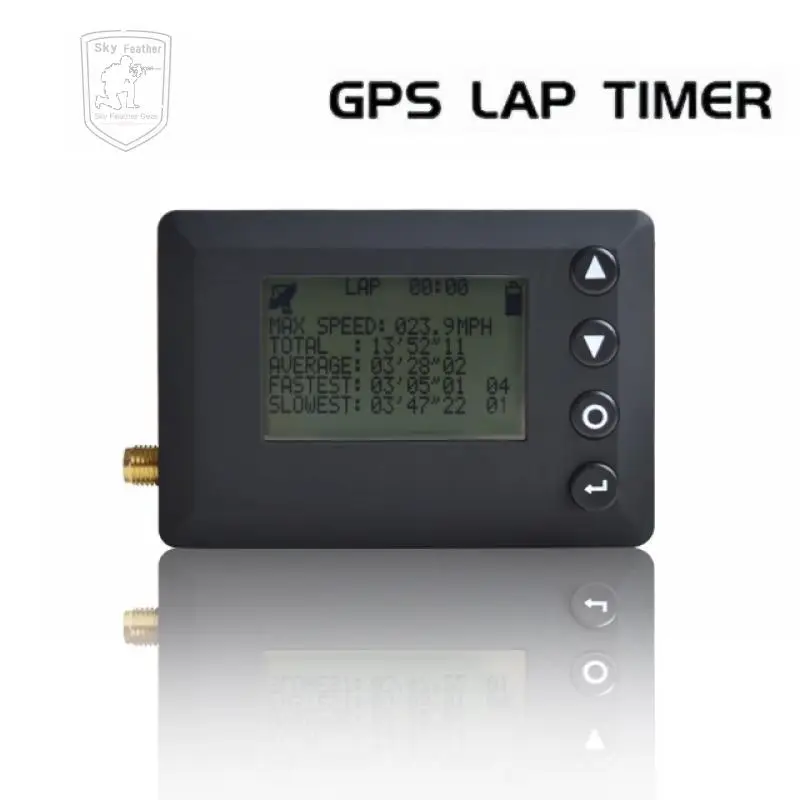
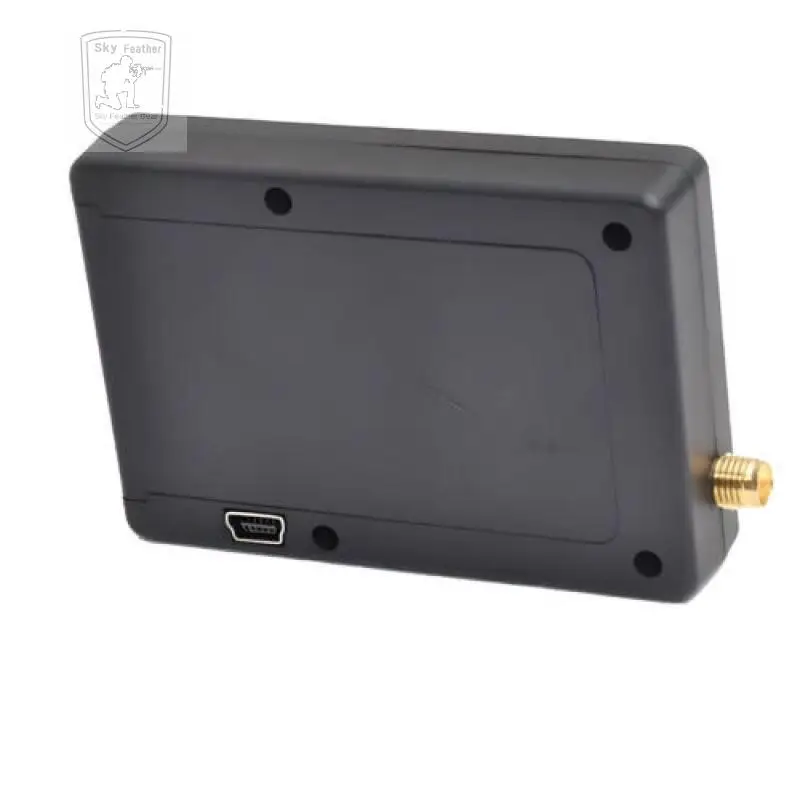
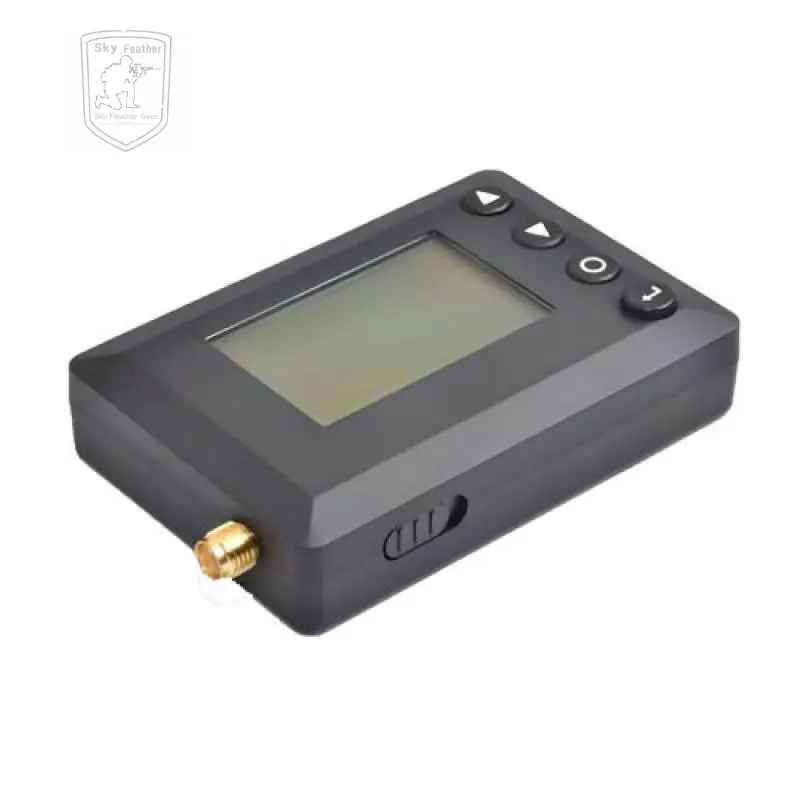
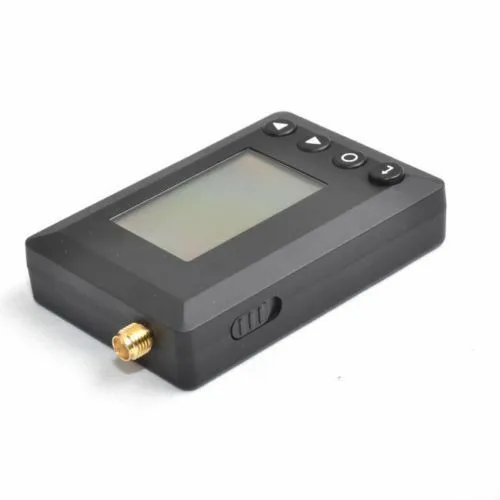
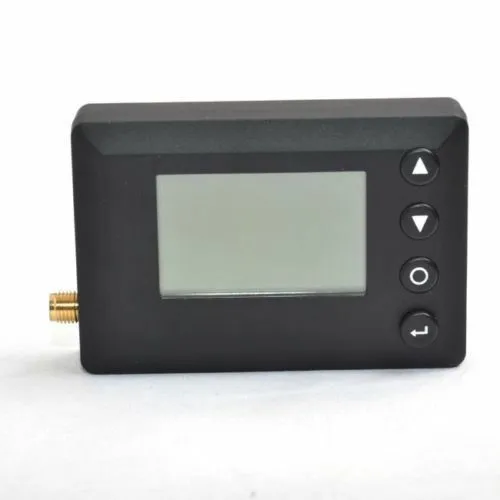
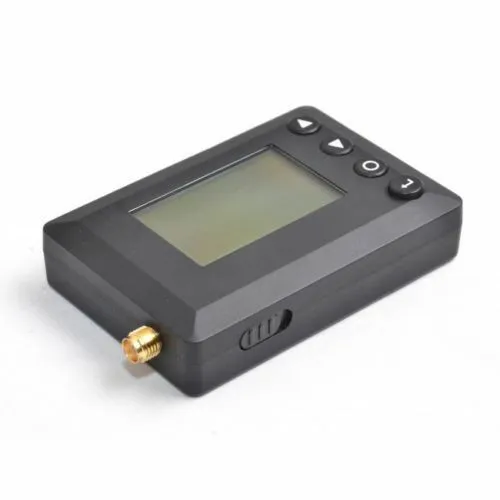
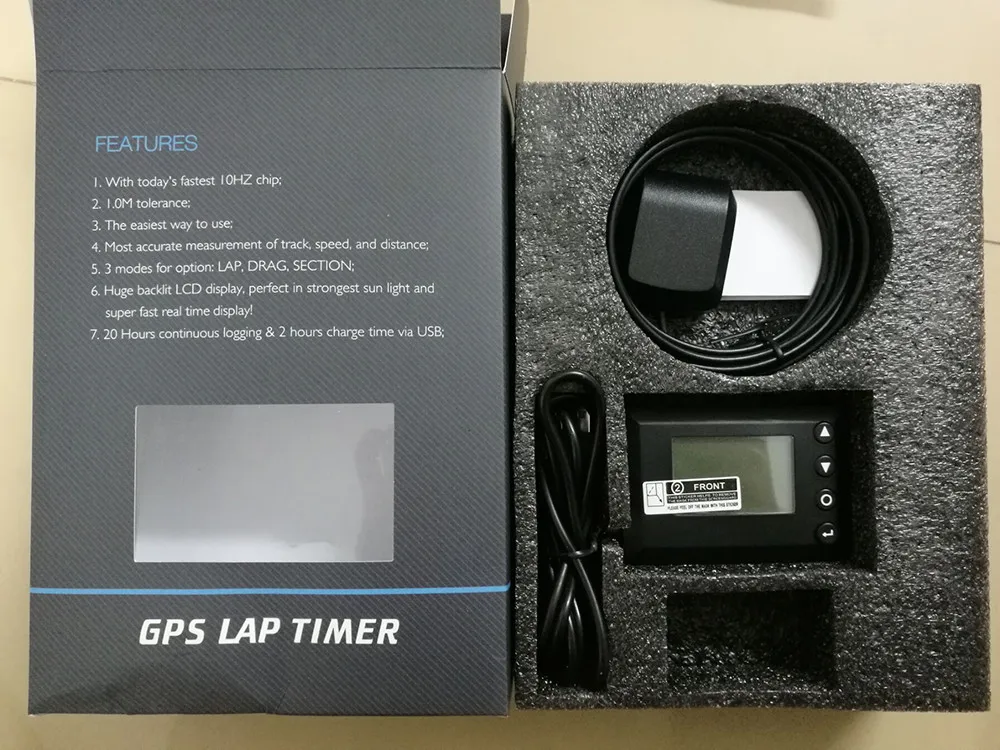
This product is a GPS racing timer with 12864 dot matrix display function.
Features:
With today's fastest 10Hz chip
1. 1.0M tolerance
2. The easiest way to use
3. Most accurate measurement of track, speed, and distance
4. 3 models for option: LAP, DRAG, SECTION
5. Huge backlit LCD display, perfect in strongest sun light and super
6. Fast real time display
7. 20 Hours continues logging & 2 hours charge time via USB
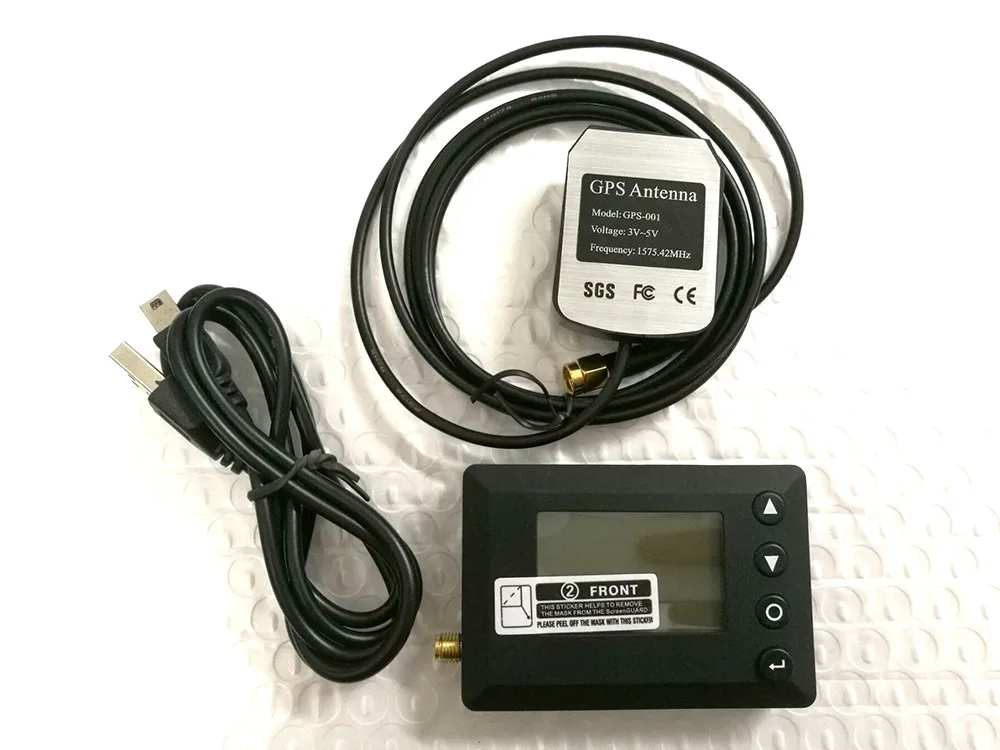
Package listing:
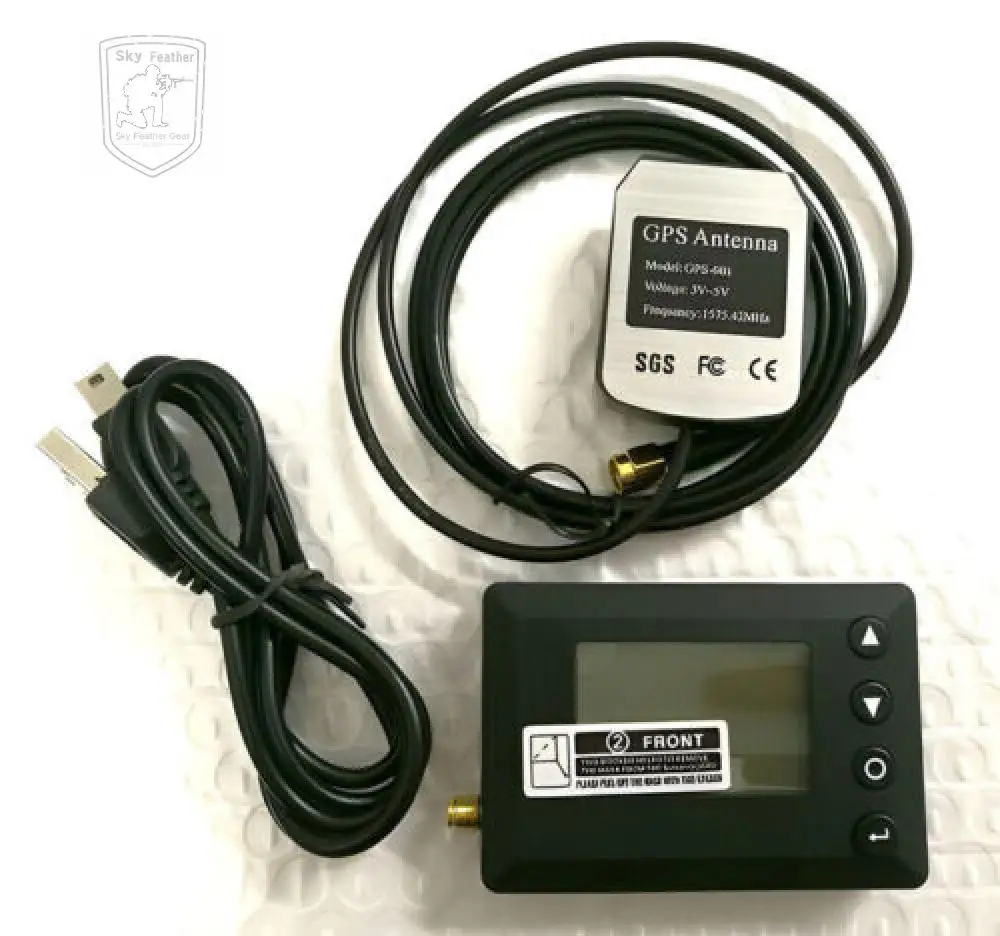
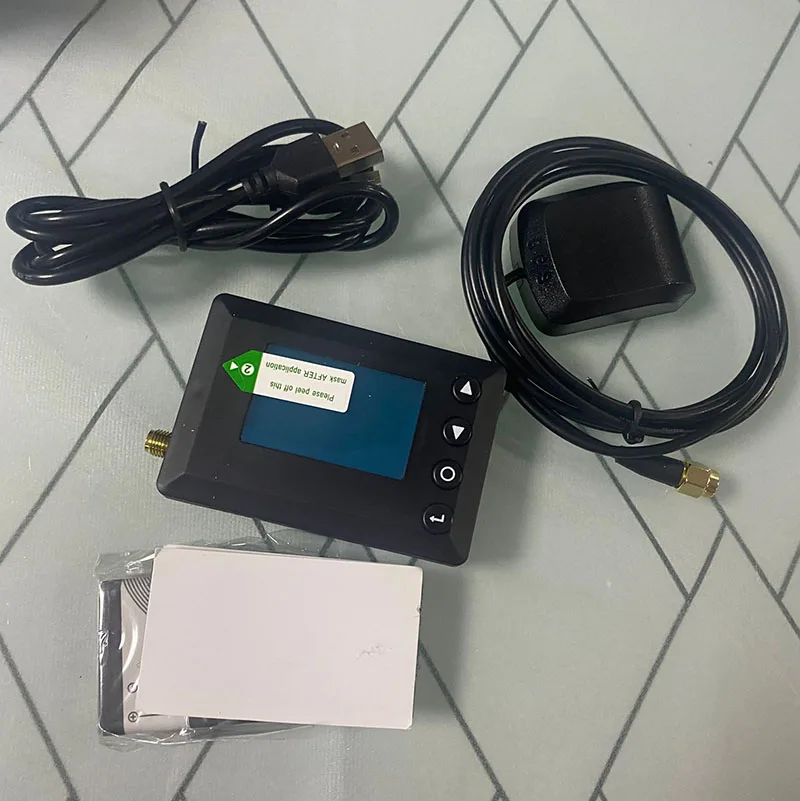
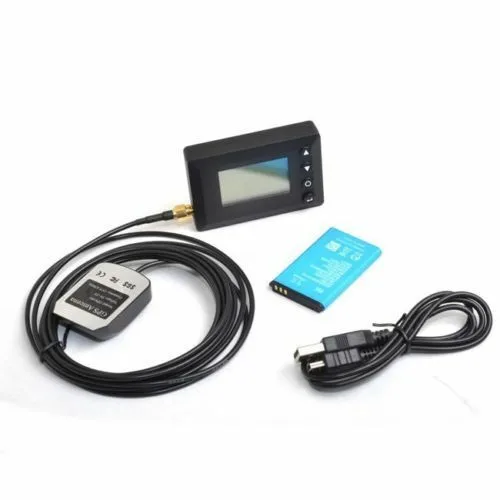
1 set GPS LP time.
The color of the battery is not sure, please don't care about this.


Preparation before Using
1. It is suggested to use it in open space without shelter of tall buildings and trees to ensure signal strength.
2. After opening CHEETAH, the chip starts to warm up and search forsatellite in the first 40 seconds. It will last for 40 to 120 seconds according to the signal strength until the signal on the screen no longer blinks.
3. After satellite finding finishes, run slowly for a few minutes to make the GPS signal accurate and steady.
Description of Display and Buttons
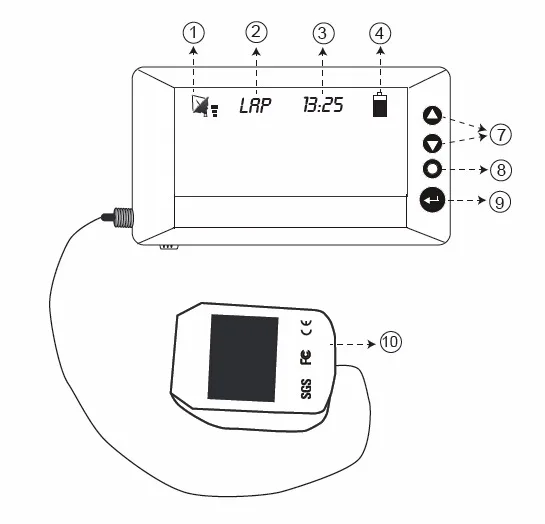
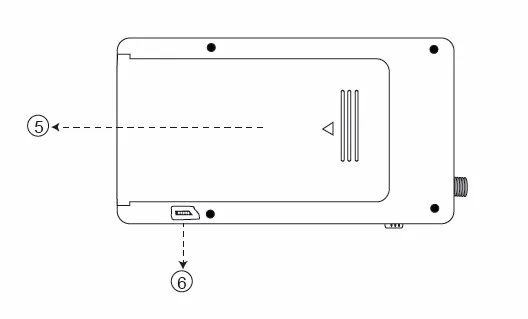
1. Signal bar, it stops blinking when there is signal
2. Menu
3. Current time
4. Battery level
5. Battery jar
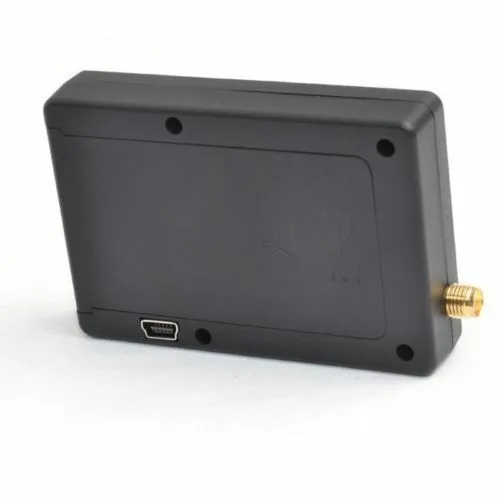
6. USB interface
7. Press and hold for 2 seconds to set the start point
8. Press and hold for 2 seconds to change between different menus
9. Press to start /end timing; Press and hold for 2 seconds to turn on /off the back light
10. Signal receiver
Lap Menu
To run laps, press and hold button ''O'' for 2 seconds until it shows LAP; Then press ''Enter'' button to start; Press ''Enter''
button again to end;
You may need to define your start point by pressing and holding ''UP'' for 2 seconds;
You can press ''UP'' and ''DOWN'' to review the data.
Drag Menu
To run drag times, press and hold button ''O'' for 2 seconds, until it shows DRAG; Then press ''Enter'' button to start; Press ''Enter'' button again to end;
Make sure the car or motorcycle is 100% still during operation;
You can press ''UP'' to review the data, and press ''DOWN'' to review the Speed Graph for initial 0~12 seconds.
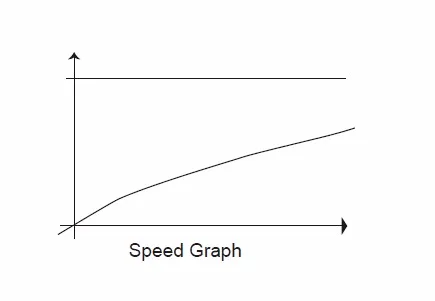
Abscissa axis: Stands for time (0-12 seconds)
Vertical axis: Stands for speed
Horizontal line: Stands for speed 100KPH(60MPH)
Section Menu
To run section, press and hold button ''O'' for 2 seconds until it shows seconds; Then stop your vehicle at your point A, press and hold ''UP'' for 2 seconds to define point A in your device, press and hold ''DOWN'' for 2 seconds to define your point B;
After points set, press button ''Enter'' to start timing; Press ''Enter'' button again to end.
You can press ''UP'' and ''DOWN'' to review the data.
System Setting Menu
To change your time setting, press and hold button ''O'' for 2 seconds, until it shows ''System Setting'';
If you know your time zone, please input the time zone, like ''-08'' for California;
To change between KPH and MPH, press and hold button ''O'' for 2 seconds, until it shows ''System Setting''; ''Radius Setting'', leave it unchanged;
Notes:
Set Radius to a smaller number when you find GPS counts more laps than your real ride.
Or set the Radius number bigger when you find the GPS timer missed a lap.



.element{background:#283055}